Add your photo
Choose a JPG, PNG or WebP up to 5 MB, drag it into the editor, or paste it with Ctrl+V.
Choose a 2000s camera look, compare the full photo, and download in your browser.
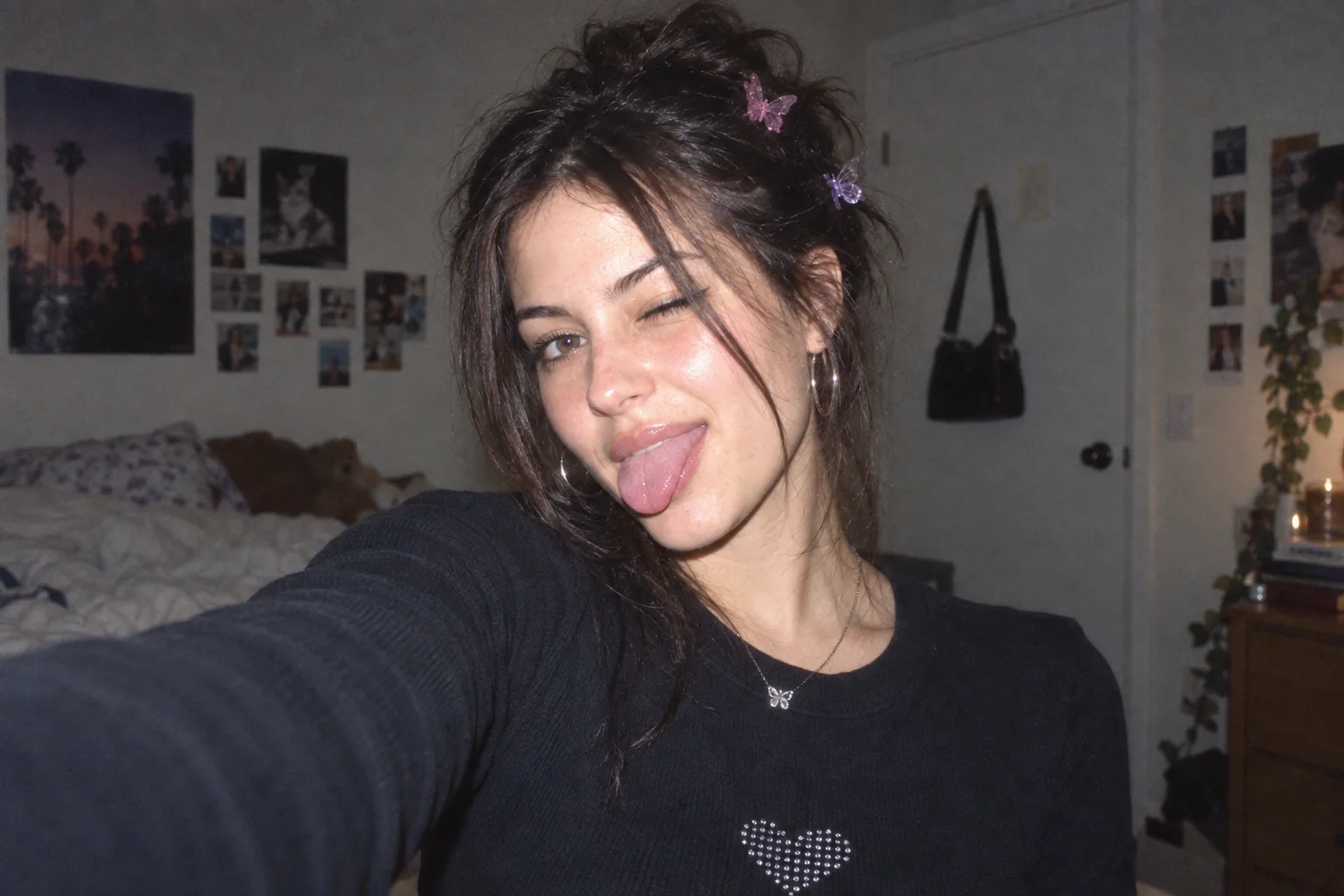 Original2004 Digicam
Choose a photo to start editing.
Sample photo
JPG · no watermark · up to 1080px wide
Loading the sample photo.
Your photo stays in this browser. Nothing is uploaded.
Pick a style to open its dedicated editor. Each page uses the same local image engine with its own controls and presets.
The tool starts with the photo, not an account screen. Choose a ready-made look, then open advanced controls only when you need them.
The same original sample is rendered locally with each preset. It is a generated demo image, not customer work.
Choose a JPG, PNG or WebP up to 5 MB, drag it into the editor, or paste it with Ctrl+V.
Pick a preset for an instant look. Advanced controls are there when you want to tune the result.
Drag the divider to compare the edit, then download a no-watermark image up to 1080px wide within the daily free allowance.
Every current effect and preset is free to use. Downloads have no watermark, are limited to 1080px wide and share a limit of 5 exports per UTC day. Pro is not available yet.
| Capability | Free | Pro (coming soon) |
|---|---|---|
| Photo effects & presets | All available presets | No paid preset is live |
| Image exports | No watermark · up to 1080px wide | Original-size export · Coming soon |
| Daily export allowance | 5 exports · resets at midnight UTC | Not available yet |
| Batch processing | One image at a time | Coming soon |
| Video filters | Photo editing | Coming soon |
| Saved presets | Use built-in presets | Save and share presets · Coming soon |
| Commercial use | Personal use | Commercial license · Coming soon |
No account or payment is needed for free editing. Paid features and the waitlist are not open yet.
Embed the 2000s photo tool in a page that supports iframes. The embedded editor still works locally in each visitor’s browser.
Yes. The 2000s, digital camera, VHS, vaporwave and glitch effects and all presets are free. Exports have no watermark and are limited to 1080 pixels wide and the daily free allowance.
No. Use the editor in a modern desktop or mobile browser. No app, account or sign-up is required.
If you want a browser-based way to make a 2000s digicam-style photo on desktop, this editor offers flash, CCD color, grain and date-stamp controls. It does not reproduce another app’s proprietary filters.
This site runs in a desktop browser and offers its own 2000s and digicam-inspired presets. It is not a Dazz Cam product and does not copy its presets.
No. The image is loaded, edited and exported by your browser. The page does not send the photo to an image-processing server.
Y2K describes a broad internet-era look, 2000s describes the time period, and digicam refers to the early compact digital cameras that helped define the flash, CCD color and date-stamp look.
Free edits are for personal use; a commercial license is coming soon.